

Added
Production Release: 2/5/26
8 months ago by Polly Phillips
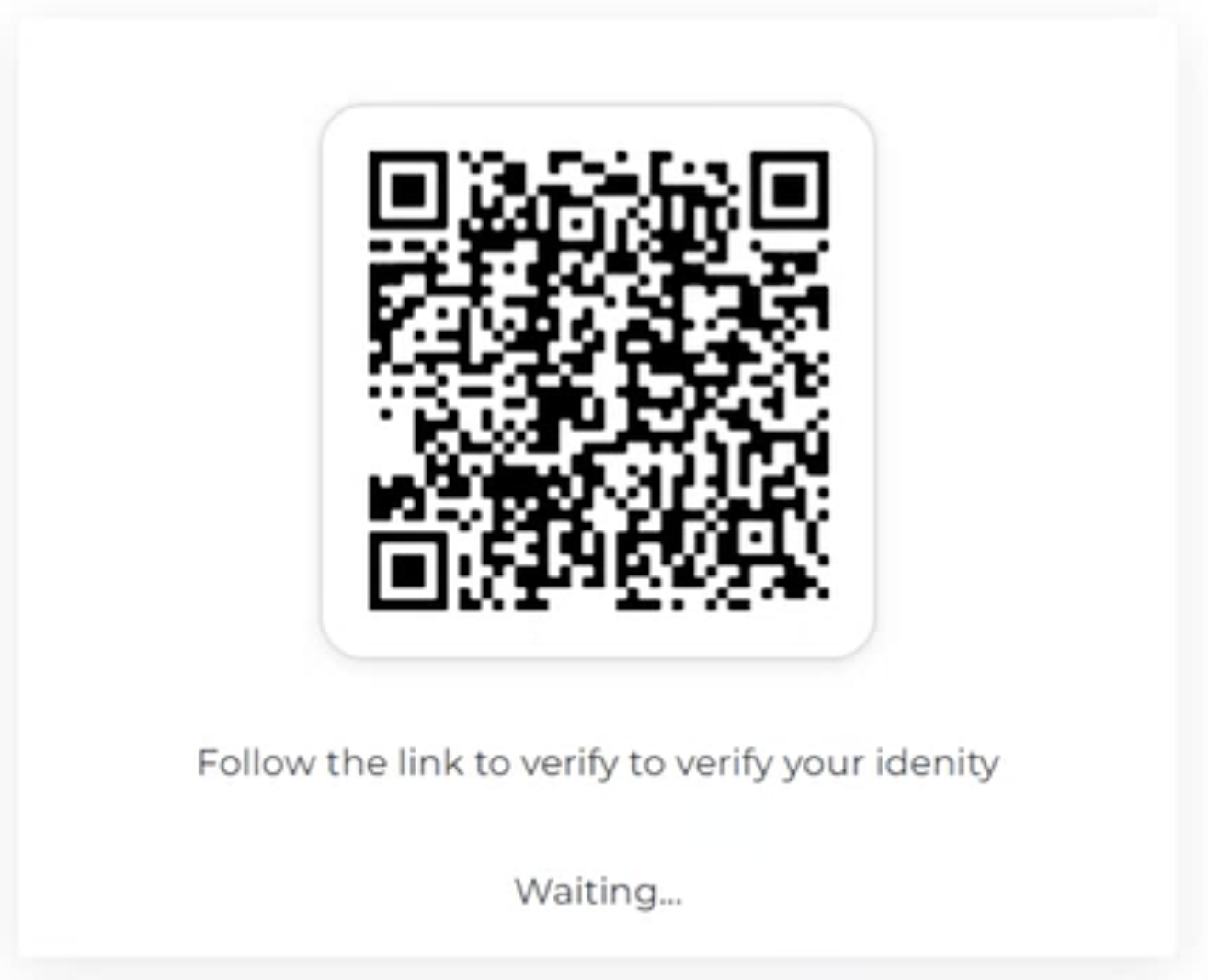
QR Code delivery for desktop-to-mobile verification sessions: We’ve added a new delivery method that enables end users who are prompted to start an identity verification and threat detection challenge on a given device to quickly and easily transition to a different device to complete the challenge, without relying on SMS or email.
This is especially useful when users are presented an identity check on desktop but need a mobile phone to complete the flow (camera, biometrics, or mobile UX), and when SMS delivery isn’t an option due to security policy or deliverability constraints.
What’s included
- Option to offer QR code delivery to transfer to a different device at the beginning of a challenge, enabling a fast “scan to continue” experience.
- Gateway support: when enabled, Gateway can display a QR code after the user submits required information—scanning opens the mobile experience.
- API support: integrations can request a QR code image and render it directly in their own UI.
- Configurable QR screen messaging, including multi-language support using existing content/theming controls.
Why it matters
- Improves completion rates for mobile-required verification flows by reducing delivery friction.
- Reduces dependency on SMS in environments with limited coverage, carrier filtering, or reliability issues.
- Helps mitigate SMS phishing exposure by providing an alternative to text-message links.
- Creates a smooth desktop-to-mobile handoff for users who start in a desktop environment.
How it works
- User scans an on-screen QR code with camera on the device where they will complete the challenge.
- The scan opens a secure mobile session and the user continues the verification flow on their device.