

Redirects URLs
Workflow Settings allow you to customize how your verification workflows operate, integrate with external applications, manage verification sessions, return results, and more.
You can configure workflow-level settings under the Details tab or customize individual verification steps directly in the Workflow Builder.
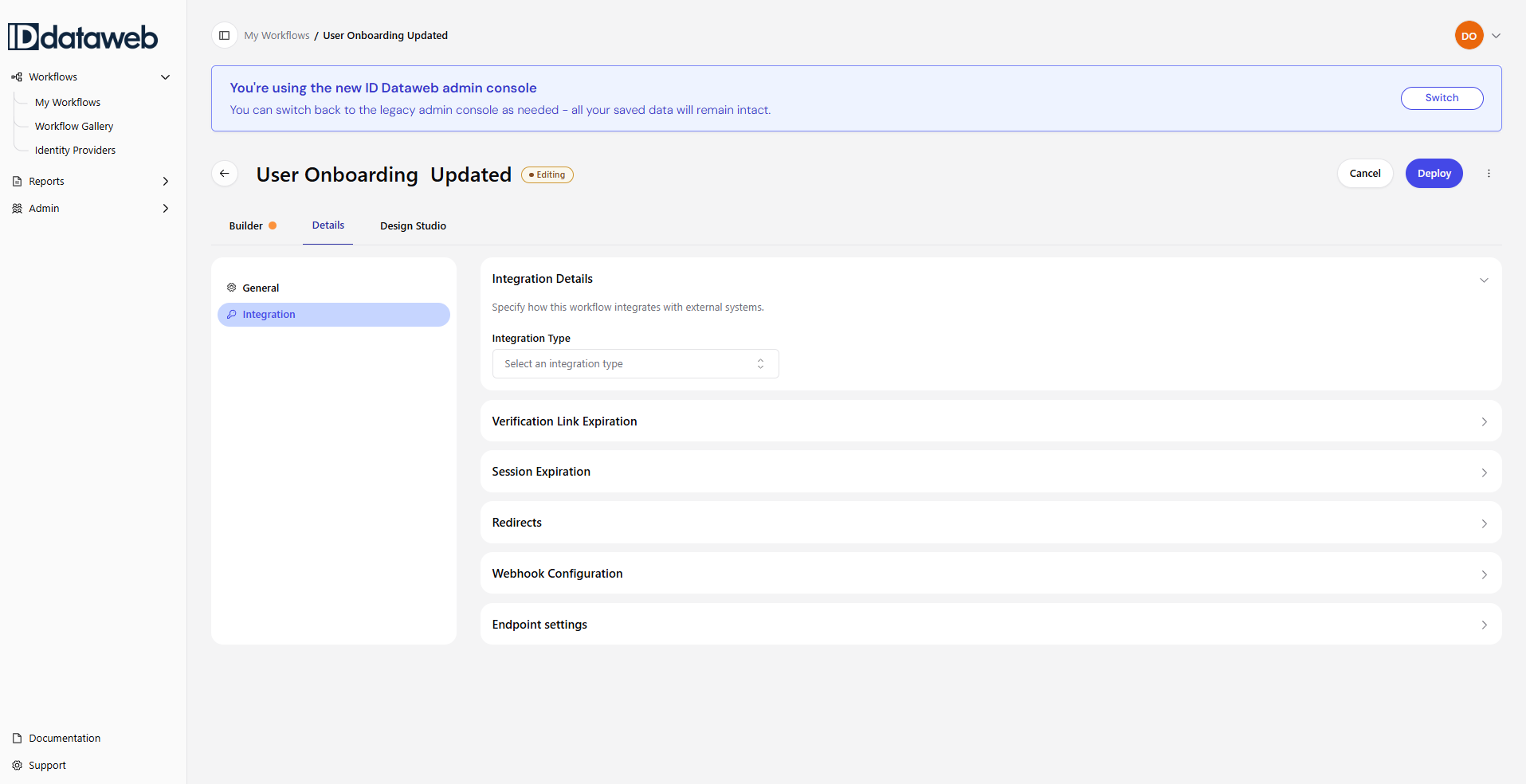
Access Workflow Settings
- Navigate to My Workflows in the Admin Console.
- Select the workflow you want to configure.
- Open the Details tab.
- Select General or Integration from the left navigation.
- Expand the configuration section you want to customize.
- Update the settings and click Save.
Note: Available settings may vary depending on your workflow configuration and selected integration type.
Redirects URLs
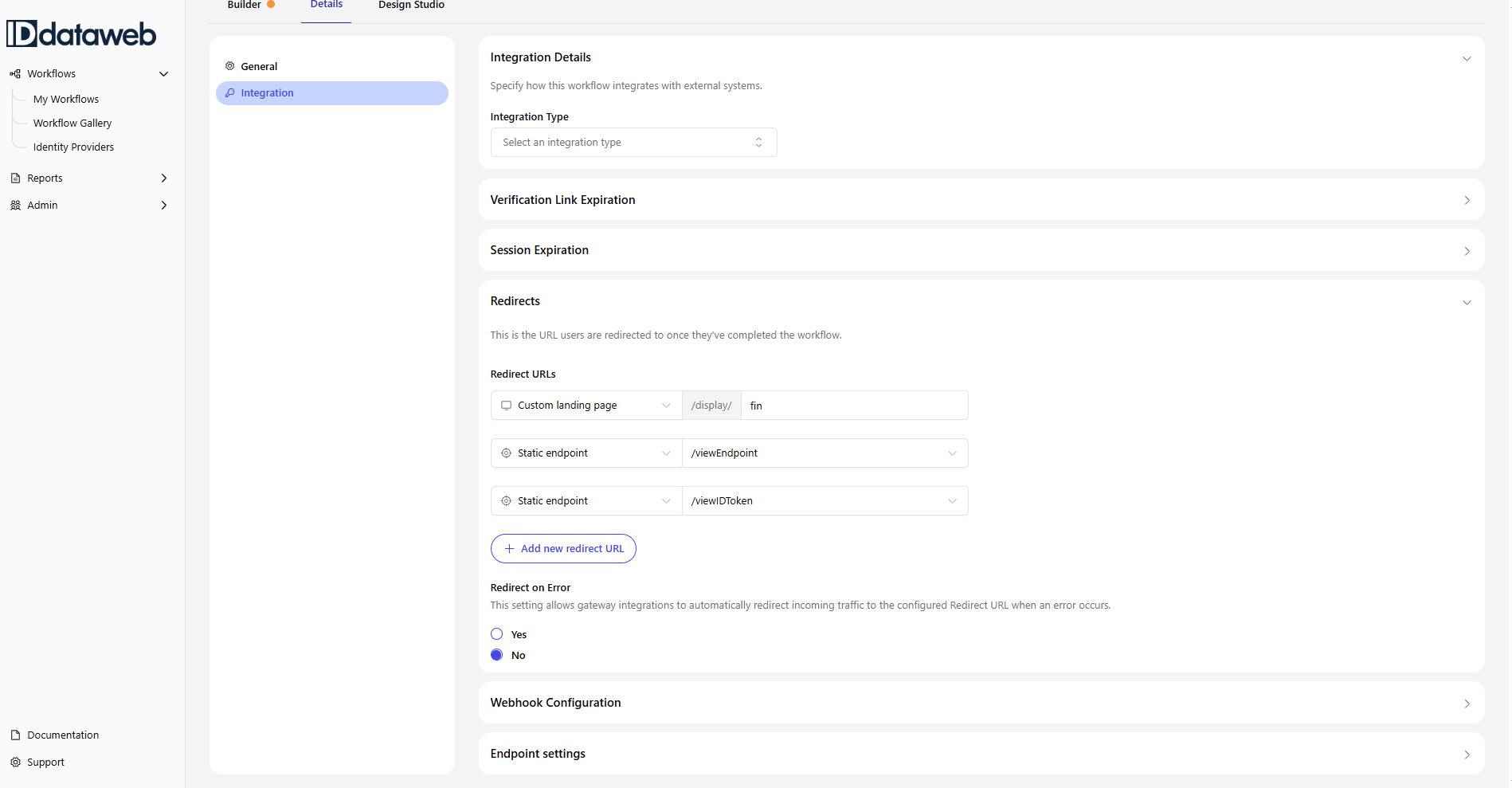
Redirects determine where users are directed after completing a verification workflow. You can configure one or more redirect URLs based on your integration requirements.
Configuration Options
Redirect URLs
Redirect URLs specify the destination users are directed to when the verification workflow is completed.
| Setting | Description |
|---|---|
| Custom Landing Page | Redirects users to a custom landing page. Enter the page name in the field provided. The system automatically includes the /display/ path. |
| Static Endpoint | Redirects users to a predefined endpoint. Select an available endpoint, such as /viewEndpoint or /viewIDToken. |
| Add New Redirect URL | Allows you to add additional redirect URL configurations. |
Note: You can customize the branding, appearance, and content of Custom Landing Pages under Design Studio → Building Blocks → Workflow → Custom Landing Pages. Use the Theming and Content tabs to personalize the landing page.
Redirect on Error
This setting controls whether users are automatically redirected to the configured redirect URL when an error occurs during a Gateway verification flow.
| Option | Description |
|---|---|
| Yes | Enables automatic redirection to the configured redirect URL when an error occurs. |
| No | Disables automatic redirection on error. |
Note: Redirect on Error applies to Gateway integrations. Enable this option if you want users to be automatically redirected to the configured destination when an error occurs during verification.
Updated 6 days ago